Best Free AI Article Generator Tools: Compare and Try Now

Content creation has never moved faster — or demanded more volume. Whether you run a small business blog or manage content for dozens of clients, keeping up with a consistent publishing schedule is a real operational challenge. That's exactly where an AI article generator earns its place in your workflow.
What Is an AI Article Generator and Why Use a Free Option
An AI article generator takes a prompt — your target keyword, audience, and angle — and produces a structured draft in seconds. Instead of staring at a blank page, you get a working outline, sections with supporting copy, and a foundation you can refine. For marketers, bloggers, and SMBs trying to publish consistently without inflating their content budget, that speed advantage is significant.
Starting with a free AI article generator makes sense for one practical reason: you can test whether the tool fits your workflow before spending a dollar. Free tiers let you evaluate output quality, interface speed, and formatting options without commitment. The best free article writing software content generator tools also include built-in SEO features — keyword density checks, metadata fields, and heading structure — so you're not just generating text, you're generating text that has a shot at ranking.
Look for export options too. A tool that produces clean copy but buries it inside a proprietary editor wastes time. The goal is a draft that moves quickly into your CMS.
Top Free AI Article Generator Tools to Try Today
Instant Draft Creators
Tools like ChatGPT (free tier), Writesonic's free plan, and Copy.ai's starter account are built for speed. Enter your topic and a few parameters, and you have a rough draft in under a minute. These are best treated as first-draft engines — the output needs editing, but the raw material saves 60–70% of initial drafting time. Use an AI article generator free online when you need something fast and are prepared to do a solid editing pass afterward.
SEO-Focused Generators
Platforms like Rytr and Scalenut offer free tiers with keyword insertion and basic on-page scoring baked in. These tools prompt you to enter primary and secondary keywords before generation, which means the draft comes out with some structural SEO intent already applied. If organic search is your primary channel, prioritizing a free article generator AI with these features built into the base plan is worth the extra setup time.
Outline-First Tools
A free AI article outline generator is a different animal from a full-draft tool. Services like Frase (limited free access) and Notion AI let you generate H2 and H3 structures before you write a single paragraph. This approach works well for long-form content where the architecture matters as much as the prose. Build the skeleton first, validate it against your editorial brief, then fill in each section — either manually or by running a draft generator on individual subsections.
Long-Form Assistants
For articles over 1,500 words, tools like Jasper's trial and QuillBot's free summarizer-and-expander combination give you the best chance of coherent long-form output. The free tiers are limited, but they're enough to test whether the tool handles topic transitions and maintains a consistent argument across multiple sections. Shortlisting tools that bundle free AI article writing with blog and product page templates accelerates onboarding for new team members.
How to Choose the Right AI Article Generator for Your Needs
Quality and Tone Controls
A generic output voice is one of the fastest ways to undermine your brand. Any article generator AI free plan worth using should let you set tone (professional, conversational, persuasive), reading level, and at minimum a brief style instruction. If you can't distinguish your brand's output from a competitor's, the tool isn't pulling its weight. Test the tone controls early — paste the same prompt into three tools and compare how distinctly each one interprets the same brief.
Limits and Pricing
Most totally free AI article generator plans impose daily or monthly word caps, restrict export formats to plain text, or limit team seats to one user. Before you build a workflow around a free tool, map out what you actually need: words per month, file format outputs (HTML, DOCX, Markdown), and whether multiple team members need access. A tool that works beautifully for a solo blogger may bottleneck an agency managing 20 clients.
SEO and Integrations
The best free options surface keyword suggestions, flag missing internal link opportunities, and populate meta description fields within the editor. Confirm whether the tool integrates with your CMS — WordPress plugins exist for several generators, which removes a manual copy-paste step. Also check the product roadmap. If you're likely to upgrade in six months, make sure the paid tier adds the features you'll need rather than forcing a platform switch.
Step-by-Step: Create an Article With a Free AI Article Generator Online
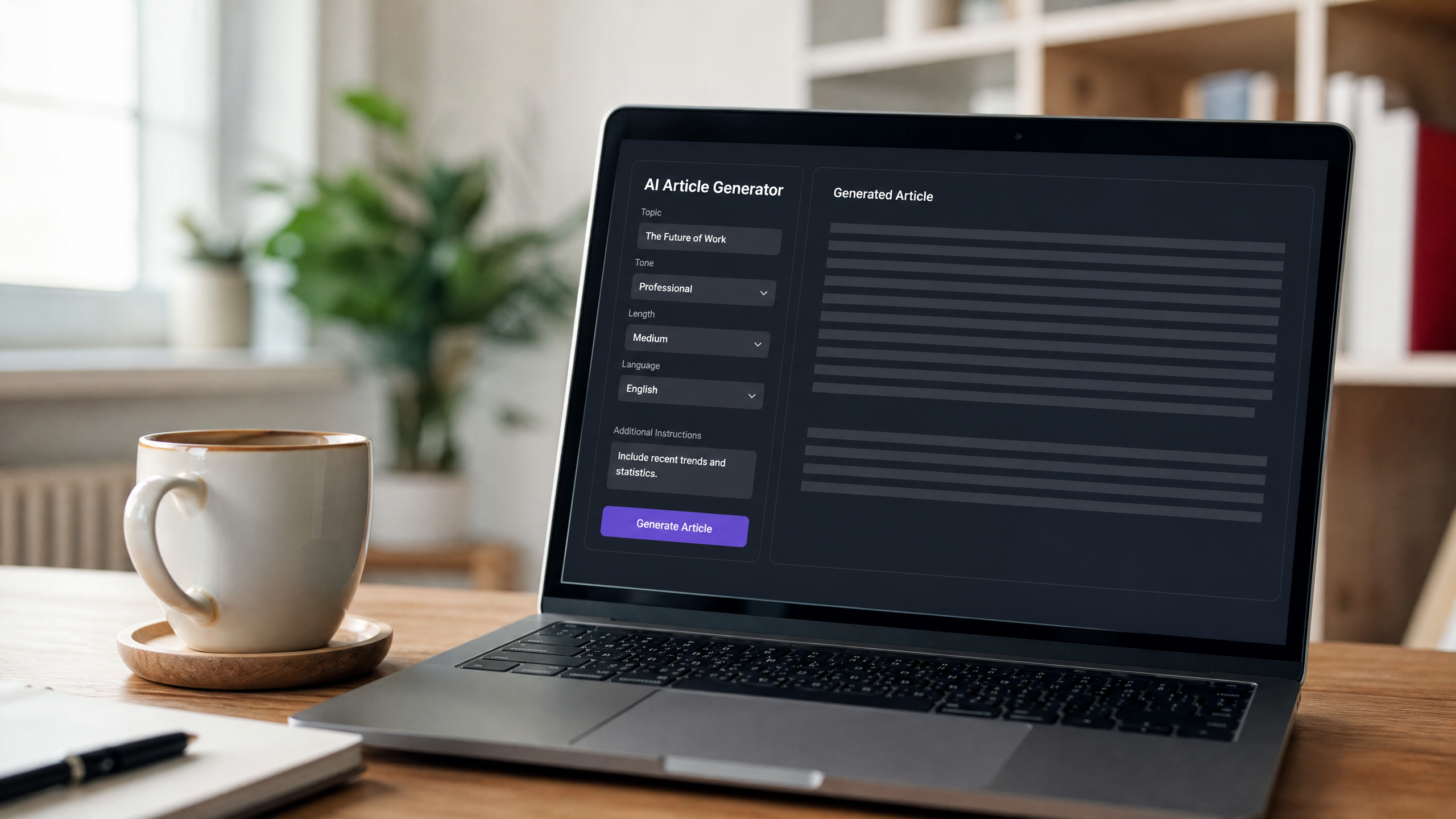
Define the Brief
Before you touch the tool, write down your target keyword, your intended audience, and the specific angle you want to take. "AI tools for small business" is a topic. "How a 3-person marketing team can use free AI tools to publish 10 articles a month" is a brief. The more specific your input into an AI free article generator, the more usable the output.
Generate the Outline
Run the brief through a free AI article outline generator first. Review the suggested H2s and H3s against your content goals — cut anything that doesn't serve the reader, add questions your audience is actually asking, and reorder sections so the argument builds logically. This step takes five minutes and saves significant rewriting later.
Draft and Expand
With the outline approved, expand each section. You can run the full draft in one pass or generate section by section for more control. Add specific evidence — statistics, named examples, case studies — to give the content substance. The generator handles structure and language fluency; you handle accuracy and original insight. Internal links should go in at this stage, not as an afterthought.
Polish and Publish
Export to your CMS, add visuals and alt text, and run a final on-page SEO check. Confirm the meta title and description are populated, the primary keyword appears in the first 100 words, and subheadings are descriptive rather than generic. A draft that skips this final pass often looks like AI output. One that goes through it looks like a well-edited article.
Ensure Originality: Using a Plagiarism Free Article Generator the Right Way
Settings That Help
Many generators include toggles for unique phrasing or source citation. Enable them. Some tools let you instruct the AI to avoid reproducing well-known phrasings from top-ranking articles — a useful safeguard when writing in competitive niches. A plagiarism free article generator handles this at the generation layer, but that's a first line of defense, not a guarantee.
Verification Workflow
Run every draft through a dedicated plagiarism checker — Copyscape and Grammarly's plagiarism tool are reliable options — before publishing. Beyond detection, add original insights: a data point from your own analytics, a quote from a subject-matter expert, or a perspective shaped by your direct client experience. These additions are what actually differentiate your content from the thousands of other AI-assisted articles on the same topic. Keep a log of your prompts and any source materials used; editorial transparency is increasingly important as AI content scales.
Free vs. Paid: When to Upgrade Your Article Generator
Feature Gaps to Watch
Free article generator AI plans commonly cap output at 2,000–5,000 words per month, restrict SEO scoring to basic keyword density, and exclude team collaboration features. If you're publishing more than eight articles a month or working with a content team, you'll hit those limits fast.
ROI Signals
Upgrade when you need bulk generation (10+ articles per week), custom style guides that persist across the tool, or API access to integrate content generation into your own platform. Paid tiers on tools like Surfer SEO's AI writer or Jasper also include content calendars and brief templates, which reduce project management overhead. Compare the monthly cost against what you'd pay a freelance writer for equivalent volume — most teams find the math favors upgrading well before they expect to.
Haze Tech Solutions helps businesses identify the right AI tools for their content operations and builds the automations that make those tools work at scale. If you're ready to move beyond testing a free AI article generator and want a system that delivers consistent, on-brand content, our team is ready to build it with you.